


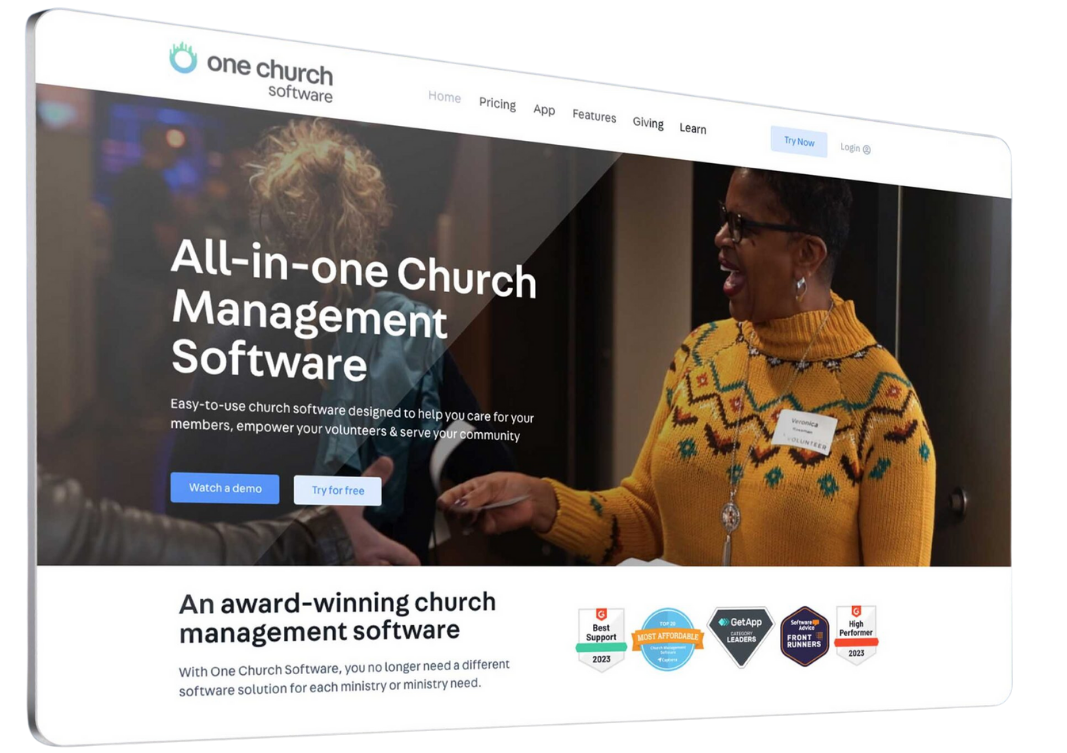

Manage your involvement, connect with ministries, and stay up-to-date—all in one place.
what can i do in one church?
One Church is our new platform that helps you stay engaged with FBCG whether you're using the app or your browser. You can view your profile, sign up for events, connect with ministries, and respond to communications directly from your email or text.
One Church is built to be simple and user-friendly. Watch the video for a walkthrough of how to use One Church effectively.

how do i access my account?
Register to access my profile in One Church
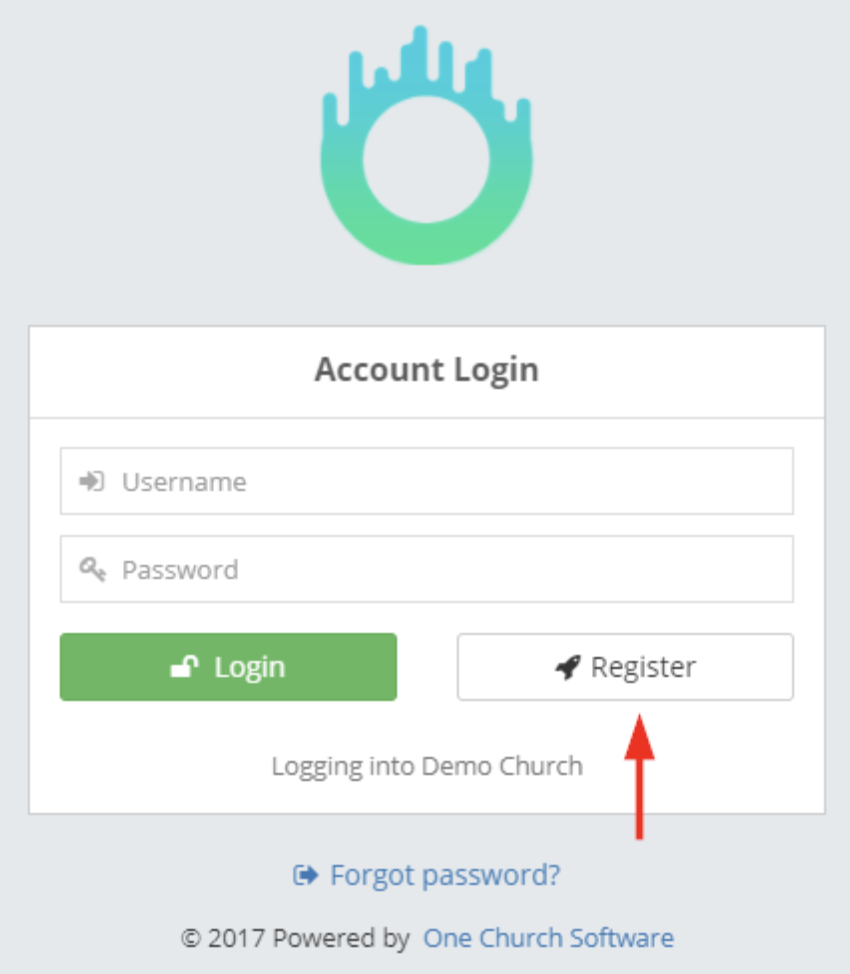
A person can begin the registration process by clicking on the "Register" button on the FBCG login screen.
From there, you will be asked to enter your email address (see image below). This is because the system will check if you already have an active profile in the system.
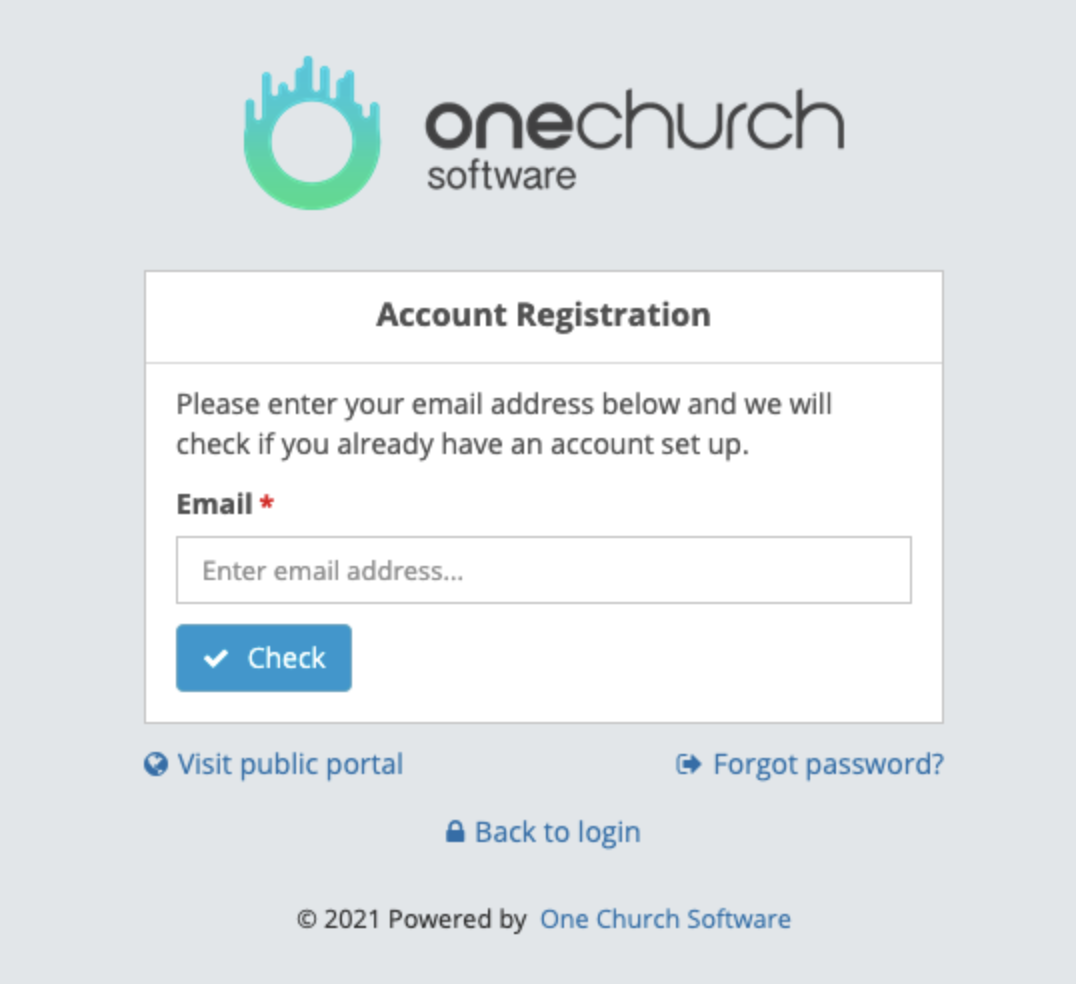
After entering the email and clicking the "Check" button, the system will look for an active person profile that has a primary email matching the one provided.
You will have one of the following results:
Profile Matched
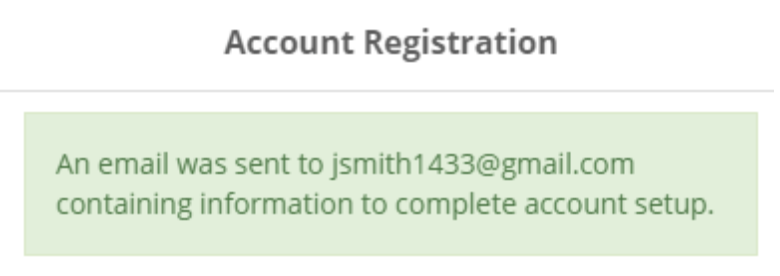
You will be sent an email where you can set your password and be given access to that profile.
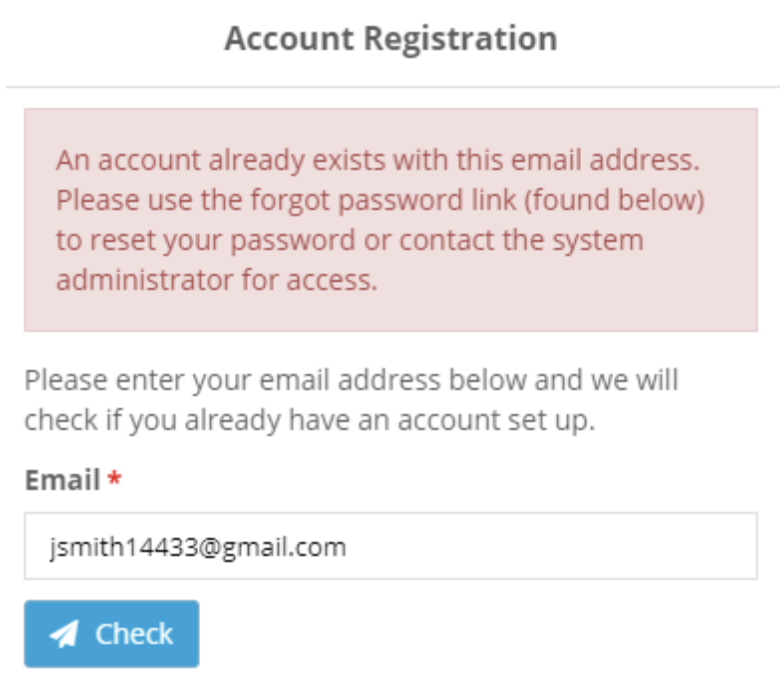
Account Already Exists
In this case, there is an active profile which uses the email provided and you already have login access to the system. You should use the "Forgot Password" feature to reset your password.
No Profile Found
In this case, there is no active person profile which has that email set as their primary one. The person will then be asked to create a new profile by asking for their name, phone number, and gender. The person can click on the "Clear" button to return to the previous screen.
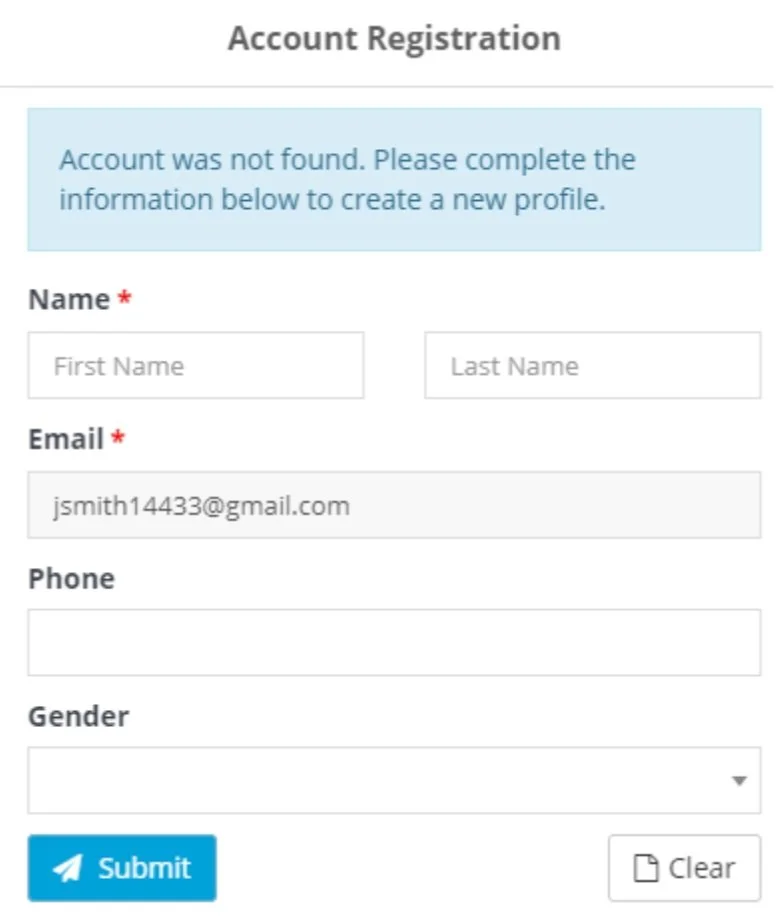
Once they submit the form, they will receive an email where they will be instructed to set their password. After they set one, they will have access to the system.
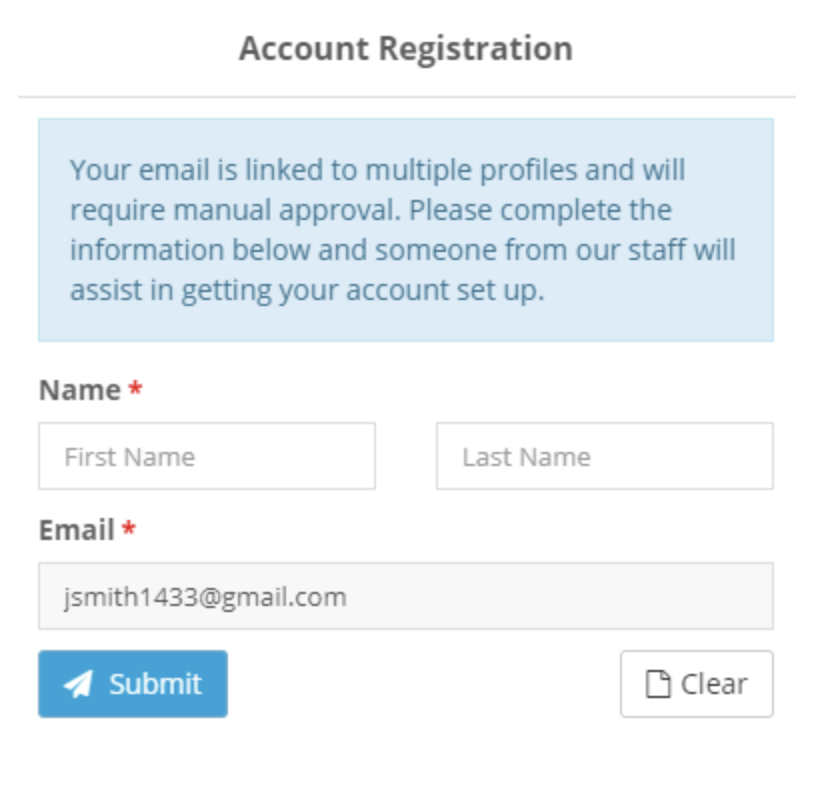
Multiple Profiles Matched
In this case, complete the form asking for your name and email address. The Member Services team will receive this request, match your profile, and you will receive an email with next steps.
frequently asked questions
-
You can use the mobile app or web platform. Use your registered FBCG email to log in.
-
Use the “Forgot Password” option on the login screen.
-
Contact your ministry leader or complete the help form below.
-
Yes, you can access giving through the app. The app links directly to our website, where you’ll find all available giving options. At this time, giving history and tracking are managed through the established giving platforms rather than within the app itself.
-
Yes, but now you can manage your communication preferences directly from your profile.
Need Help? Still Need Support?
Our team is happy to assist you. Use the form below or visit our Sunday Support Station in the Main Lobby during December.
Contact Options:
☎️ Phone: 301-430-2668